Free CAD Viewer Online for DWG & DXF files
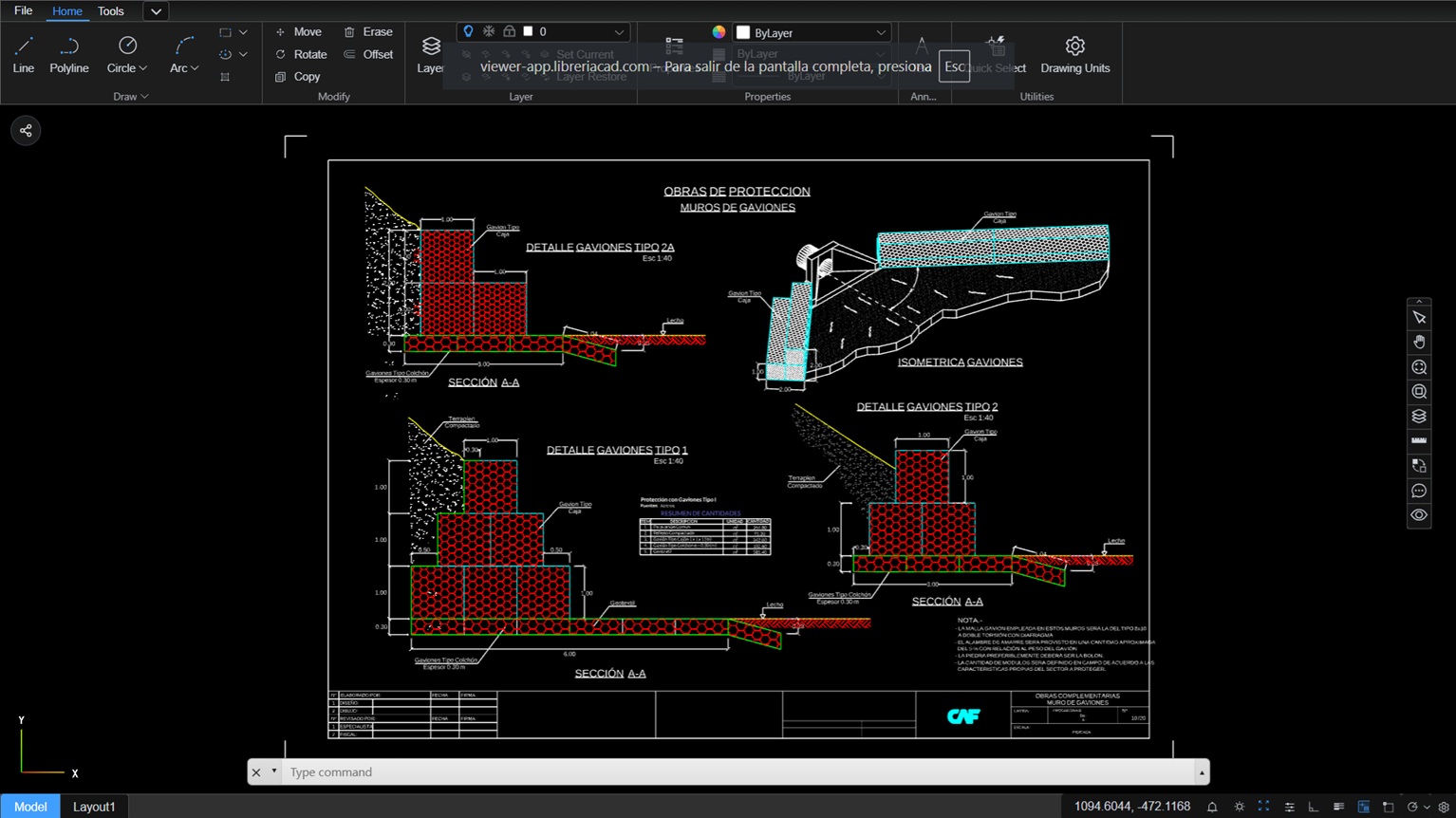
Open a DWG or DXF drawing right in your browser — no AutoCAD, no installation, no account. Zoom, pan, layers, properties, measure and export.

The free CAD blocks library used every day by architects and engineers worldwide. Same team, same promise: professional tools, free.
Everything you need in a CAD viewer online
A full-featured viewer that runs entirely in your browser — explore, inspect and export your drawings without any desktop software.
View & navigate
Smooth zoom and pan across the whole drawing, at any scale.
Layers
Show or hide layers to isolate exactly what you need.
Properties
Click any entity to inspect its attributes and details.
Measure
Check real distances without opening a desktop program.
Markup & draw
Add basic geometry and notes on top of the drawing.
Export
Save your drawing to PDF, DXF, SVG or image in one click.
Made for the way you actually work
Whether you draw plans every day or just received one by email, you can open it in seconds.
Architects & engineers
Open the DWG a collaborator sent you without spending another license seat — check layers, measure and reply in minutes.
I just need to verify a dimension, not edit the whole project.
Clients & contractors
Review the plans your architect sent even if you’ve never used CAD. No software, no learning curve — just a link.
They sent me a .dwg and I had no way to open it.
Teams on site
Pull up the drawing on a phone or tablet right at the job site. Zoom into the detail you need, standing next to the work.
The printed plan was two revisions old.
The fastest way to just view a drawing
Full CAD suites are built for drafting. If all you need is to open, inspect and share, a browser viewer wins.
| CAD Viewer Online | AutoCAD | DWG TrueView | |
|---|---|---|---|
| Price | Free | Paid subscription | Free |
| Installation | None — runs in the browser | Full desktop install | Desktop install (several GB) |
| Time to first view | Seconds | Hours (download + license) | 30+ min download |
| Devices | Any device with a browser | Windows, Mac | Windows only |
| Account required | No | Autodesk account | Autodesk account |
| Measure, layers & export | Yes | Yes (full editing) | Yes (view only) |
AutoCAD and DWG TrueView are trademarks of Autodesk, Inc. Comparison refers to viewing use only; AutoCAD is a full drafting suite.
How to view a DWG or DXF file online
Four quick steps — nothing installs on your computer.
Are my files safe?
Your drawing is uploaded only to render it in your browser. No account, no email — and nothing stays on our servers.
Frequently asked questions
Can I open a DWG file without AutoCAD?
Yes. Upload your DWG and it opens straight in your browser — you don’t need AutoCAD or any other software installed.
Is it really free?
Yes. Viewing your DWG and DXF files is completely free, with no subscription and no hidden limits beyond the 100 MB file size.
What file formats can I open?
DWG and DXF, up to 100 MB per file.
Do I need to create an account?
No. You can open and view a drawing without registering or giving an email address.
Are my files private?
Yes. Your file is used only to render the drawing and is deleted from our server automatically. We don’t store or share it.
Can I measure and export the drawing?
Yes. You can measure distances and export to PDF, DXF, SVG, or an image directly from the viewer.
Open your CAD file now
Free, instant and private. Upload a DWG or DXF and see it in your browser in seconds.
Try the CAD Viewer Online CAD Viewer